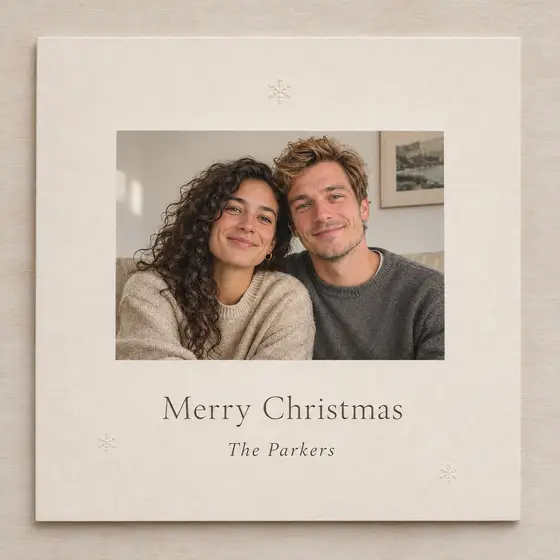

Christmas cards
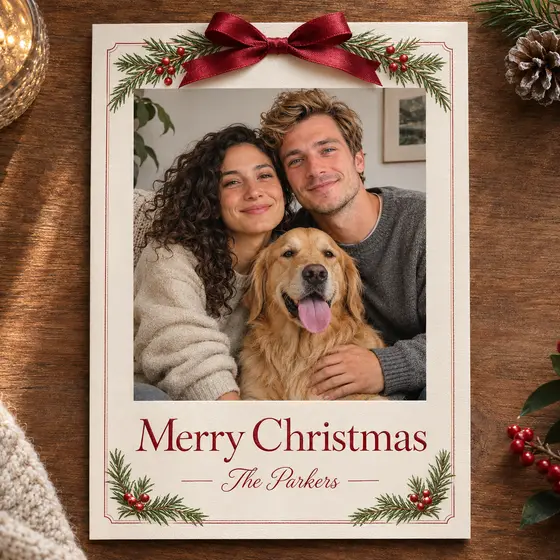
Add your greeting and family name, then print the card or send it as an image.
Turn one selfie into Christmas photos that still look like you - family, couples, pets and cards.
Popular scenes
 Made for your real holiday moments


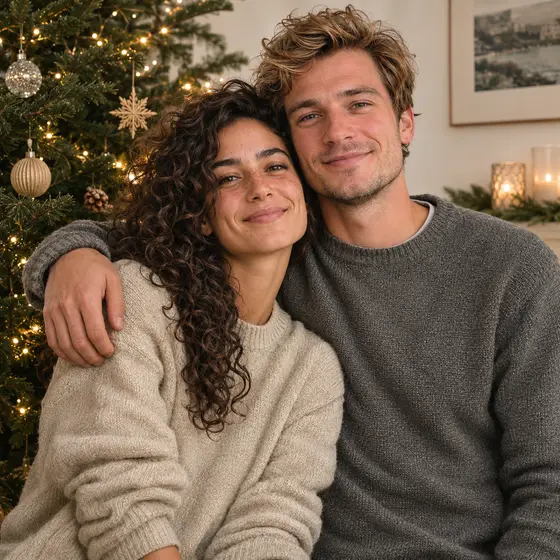
Example made from a fictional portrait. Results vary with your photo.
Three steps from an everyday photo to a holiday portrait.
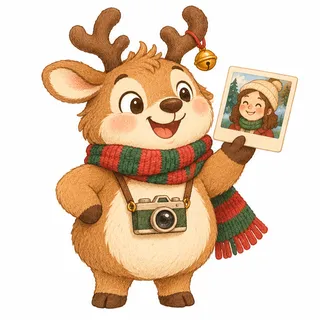
Use a clear, forward-facing photo. For a group scene, add one photo per person, up to four.
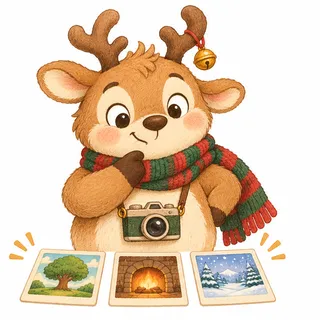
Choose from portraits, fun costumes, family and pet scenes, cards, or a profile picture. You can edit the prompt too.
See the credit cost, generate, and download the image from your history.
Every scene opens in the studio with its prompt filled in. Previews are AI generated from fictional portraits.
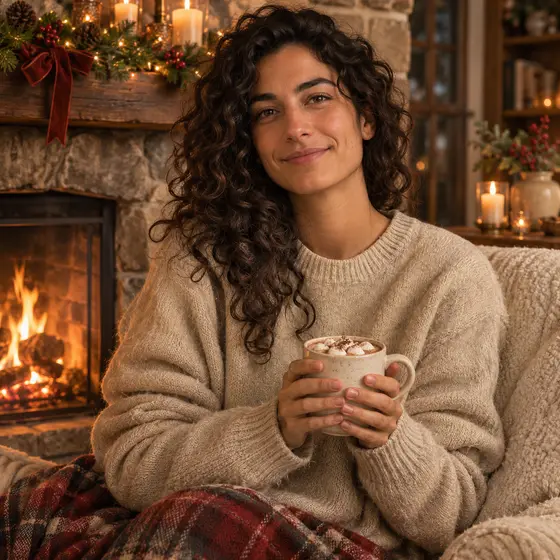 📷 1
A warm portrait beside a fireplace.
📷 1A portrait with soft lights behind you.
 📷 1
A winter portrait under falling snow.
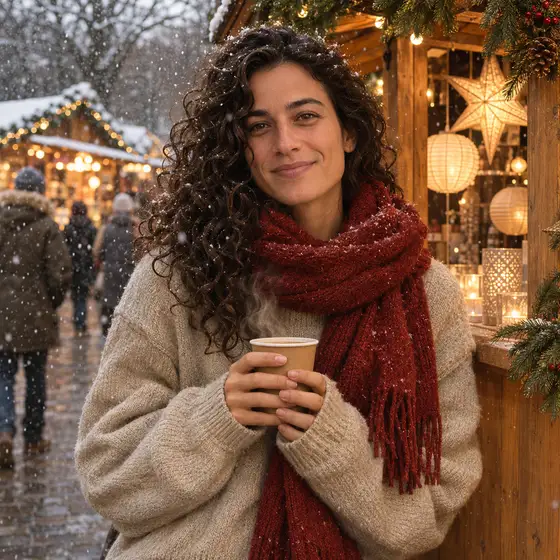 📷 1
A warm market portrait with wooden stalls.
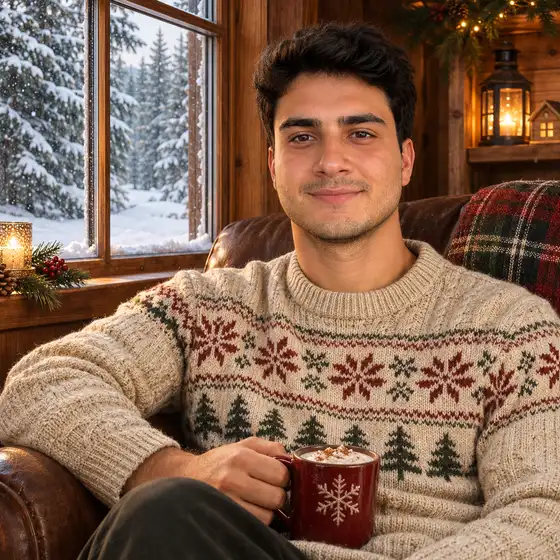 📷 1
A quiet portrait beside a snowy window.
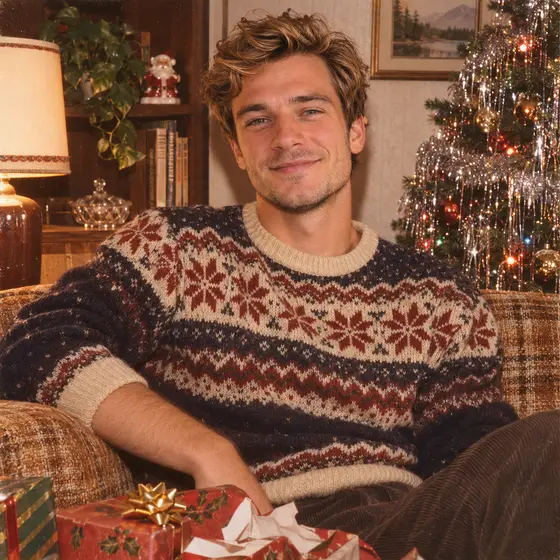 📷 1
A nostalgic Christmas photo with gentle grain.
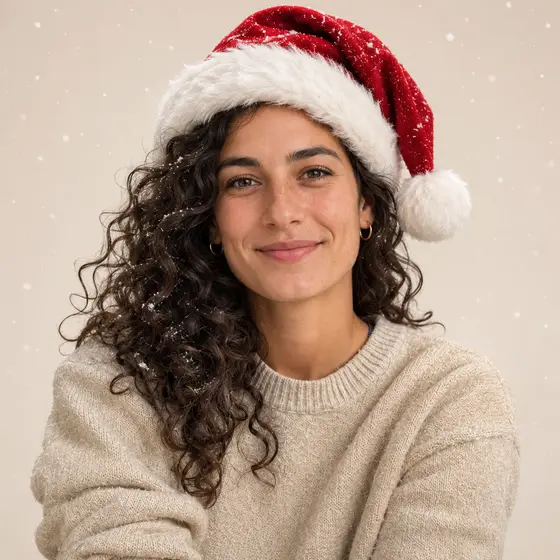 📷 1
A simple festive portrait with a red hat.
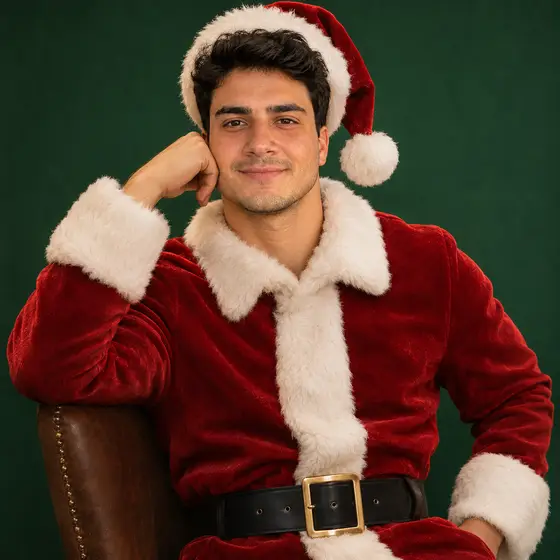 📷 1
A playful portrait in a Santa suit.
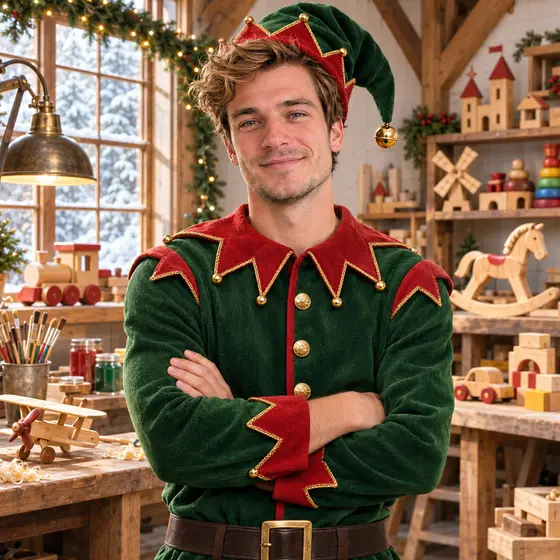 📷 1
A cheerful original elf costume scene.
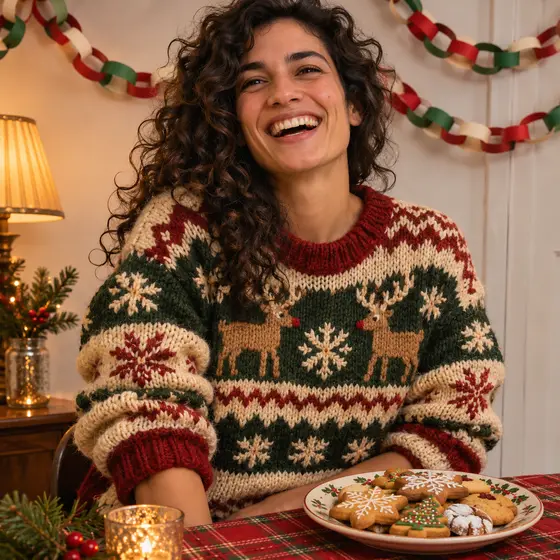 📷 1
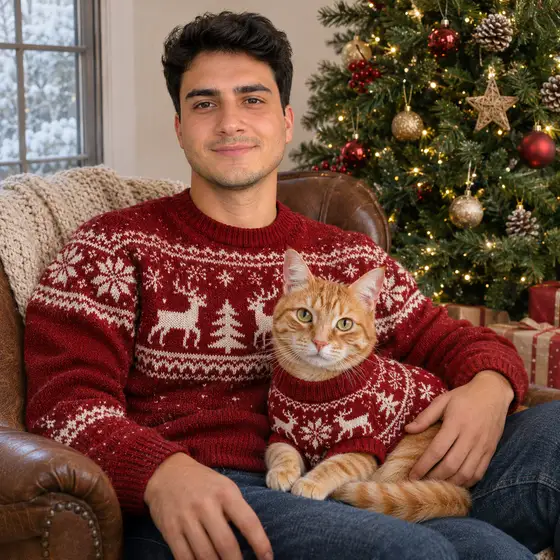
A fun holiday sweater party portrait.
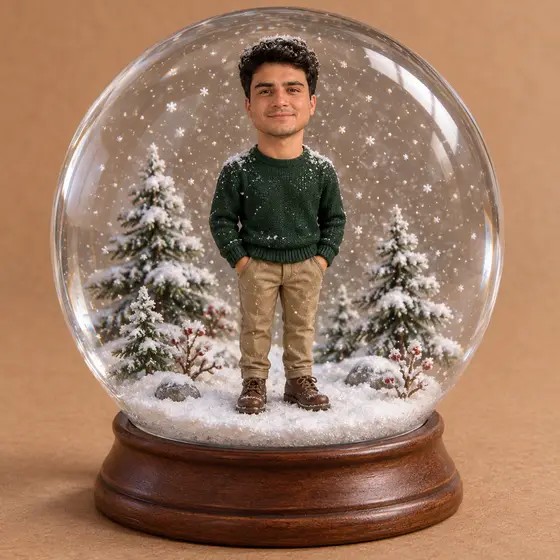 📷 1
A whimsical portrait inside a snow globe.
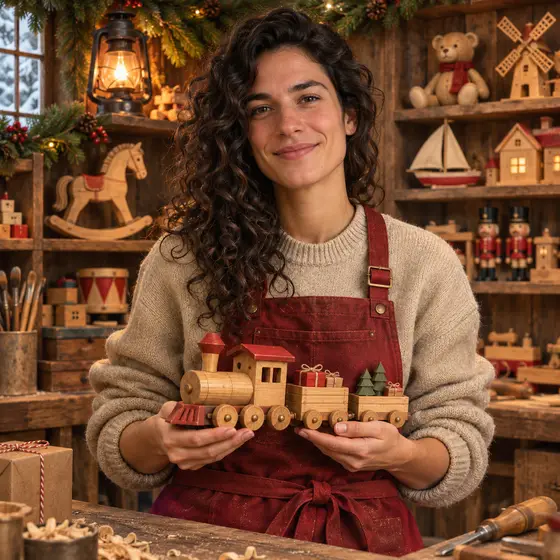 📷 1
An original northern toy workshop scene.
Example made from a fictional portrait. Results vary with your photo.
AI Christmas Photo is an independent product. All images are generated by AI.
Add your greeting and family name, then print the card or send it as an image.
A square festive avatar for social profiles, work chat or a group thread.
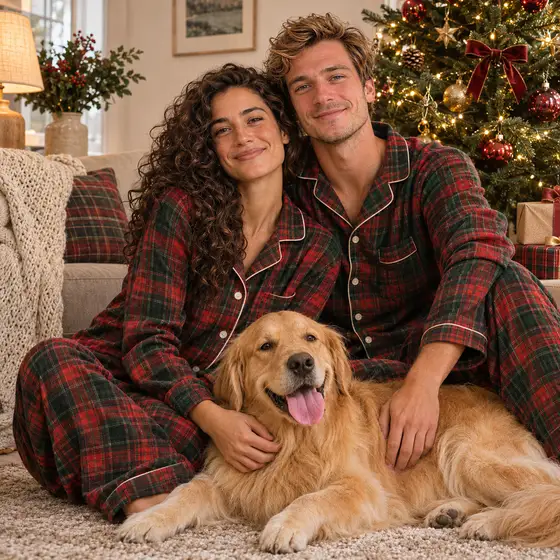
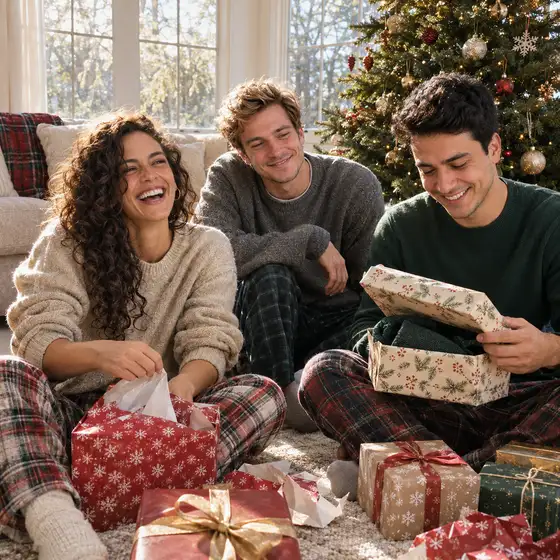
A matching-pajamas or Christmas morning photo, even when everyone lives far apart.
Pick a larger output size, then print and frame it yourself.
A snowy street or market portrait for an invitation, a menu or a party poster.
New
Pick a style, type the names, and get an original holiday song with lyrics and vocals. Pair it with your Christmas photo for a card or the family group chat.
There are no free credits. Standard costs fewer credits than Pro, and the studio shows the exact cost before you generate. The pricing page shows roughly how many photos each pack makes.
Upload a photo, pick a Christmas scene, and press generate. You can adjust the scene prompt before you run it, and the result is saved to your history.
A clear, forward-facing photo with even light gives the most consistent likeness. Results are AI generated, so they can vary. If one result misses, try another photo or run the scene again.
You do not need to install an app. AI Christmas Photo runs in your browser on a phone or a computer.
It is the seasonal habit of turning everyday photos into festive portraits, cards and profile pictures with AI.
This site does not give free credits. You can browse the studio and every scene for free, and you pay with credits only when you generate. The pricing page shows roughly how many photos each pack makes.
One photo for a solo portrait. For a couple, family or group scene, add one photo per person, up to four photos in total.
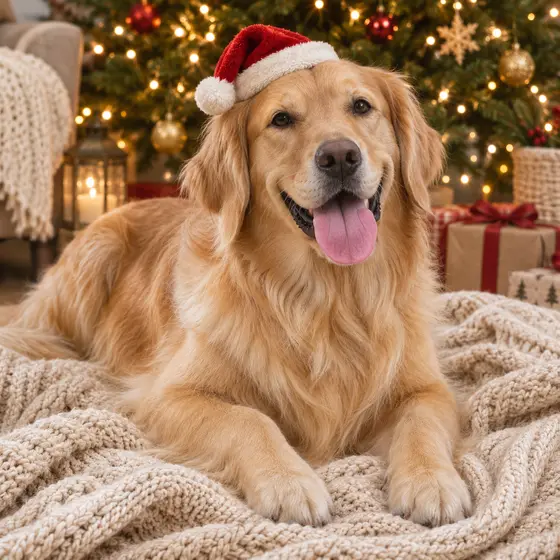
Yes. Upload one photo for each person or pet. Only upload photos you own or have permission to use, and a child's photo should only be uploaded by a parent or guardian.
Yes. Card scenes have Greeting and Names fields. Short greetings in Latin letters render most reliably; other scripts may come out less accurately.
Yes. Download the image and print it yourself. Choose 2K or 4K output when you want more pixels for a physical print.
Only your signed-in account can see your uploads and results in its history, and you can delete items there.
No. Do not upload photos of celebrities, public figures or anyone who has not agreed to it.
Standard and Pro use different credit amounts, and the price grows with the output size. The studio shows the exact cost before every generation.